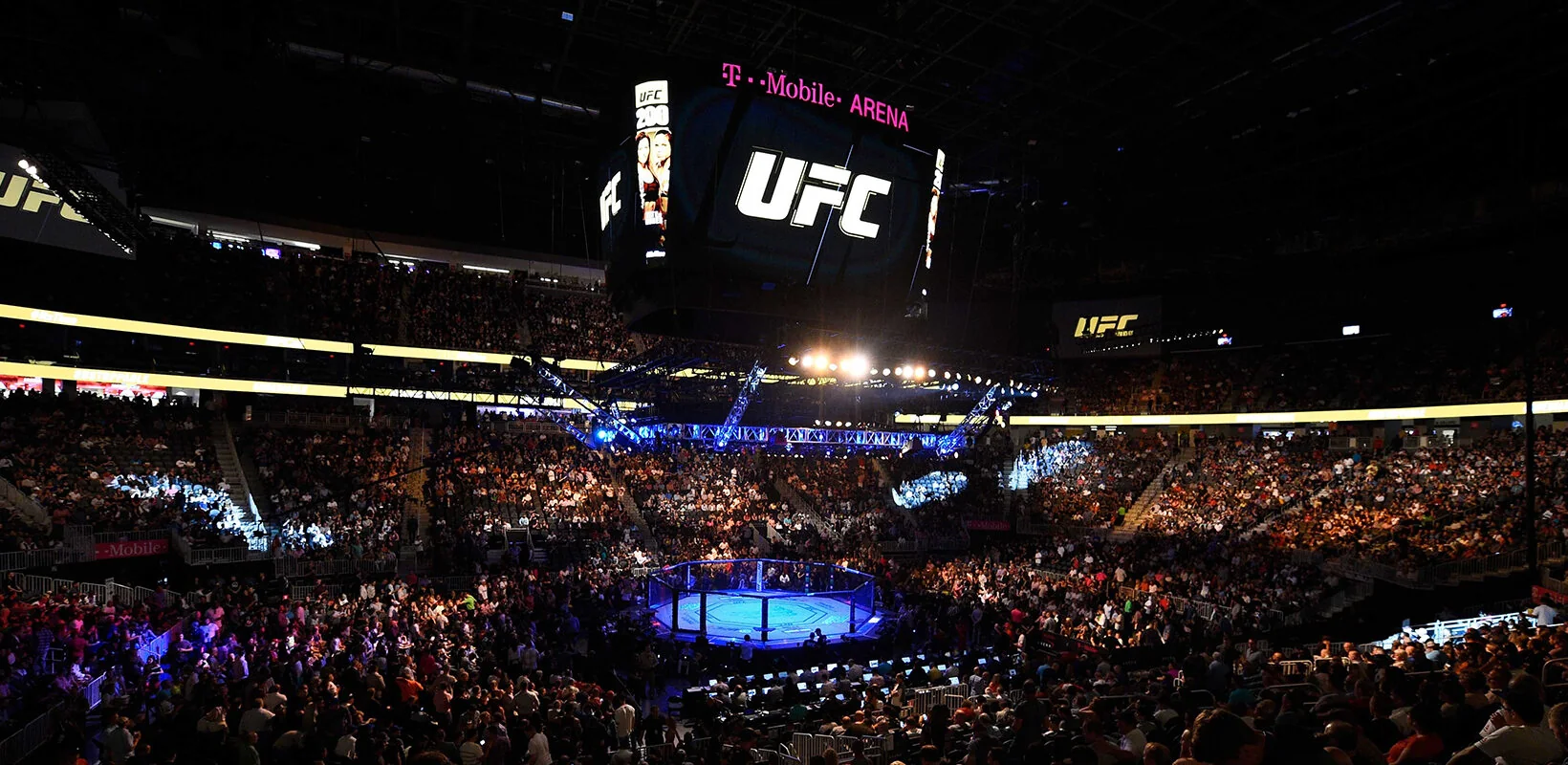
What you need to watch UFC through Prime Video
You can watch UFC through a qualifying Paramount+ subscription offered inside Prime Video, where that service carries the event in your country. An Amazon Prime membership by itself does not establish UFC access. Open the live event’s listing while signed in, check which subscription it requires, and confirm that your account already has that subscription before accepting a purchase prompt.
This guide focuses on U.S. fight fans and was checked on October 19, 2026. The useful distinction is between three things: an Amazon account, the Prime Video app, and a paid Paramount+ add-on subscription within that app. Amazon describes its Prime Video add-on subscriptions as additional paid services. Having the app installed, or seeing a Paramount+ tile in search, does not mean that particular add-on is active.
For U.S. viewers, the 2026 Paramount+ arrangement includes live numbered events and Fight Nights without a separate UFC pay-per-view charge on the qualifying service. A numbered event’s title fight and a Fight Night’s five-round main event therefore should not require two different UFC purchase systems. The subscription route still matters: Amazon handles its Channel purchase, while an account bought directly from Paramount uses Paramount’s service and billing.
The practical first check is the event page, rather than a generic search for “UFC live.” Prime Video’s UFC hub separates upcoming live programming from UFC series. That helps establish that you have found the right promotion, but the signed-in offer and local availability determine whether you can play it. A catalog page visible in another country is not a promise that your account receives the same fights.
If you are outside the United States, begin with the UFC viewing guide for your country. Paramount+ rights vary: Australia, for example, has a different split between numbered-event prelims and main cards. For the broader U.S. rights and plan explanation, use our Paramount+ UFC guide. The steps below address the extra decisions created by buying and watching through Amazon.
Choose the right subscription before you pay
Start with the receipt for the subscription you already have. The name of the company taking payment usually tells you where to check its status. An Amazon purchase should be visible in the appropriate Amazon subscription controls; a direct Paramount+ purchase belongs to your Paramount+ account. The email address alone does not establish which product was purchased, especially if you use the same address across both services.
Already paying Paramount+ directly?
Use the Paramount+ app or website with that existing account. A standalone Paramount+ subscription does not automatically become a Prime Video Channel entitlement. Buying another subscription merely to make the same fights appear inside Amazon can create overlapping bills. Fire TV ownership does not change this: a television can run either app, and a Paramount+ app purchase on a Fire device can be different from a Prime Video Channel purchase.
The reverse direction has an optional verification route for eligible Amazon Channel subscribers. Paramount’s Prime Video add-on instructions direct subscribers to its partner page, where they select Prime Video and verify the Amazon account. After completing that process, use the resulting Paramount+ credentials in Paramount’s app. Enter Amazon credentials only in the provider verification flow that asks for them, rather than assuming every Paramount+ login box accepts an Amazon password.
That option can be useful when your television’s Paramount+ app works better for your setup. It does not mean a direct Paramount+ account can be imported into Amazon. Decide which interface you want before switching providers, and check the old subscription’s paid-through date so that a convenience change does not become a second monthly charge.
Check the Channel price and renewal terms
For a new purchase, sign in to Prime Video, open Subscriptions, select Paramount+, and review the current offer. Read the plan name, tax treatment, trial eligibility, renewal amount and billing date before confirming. The checkout shown to your account is more useful than an old screenshot or another country’s price. A promotion for Prime membership and a promotion for the Paramount+ add-on are separate offers.
Amazon’s current subscription overview says U.S. customers can access streaming subscriptions with or without Prime. Do not assume you must buy the full shopping membership just to reach the offer. Equally, do not assume that paying for Prime includes Paramount+. Compare the total you will actually be billed, and use our guide to UFC trials and existing membership benefits if you may already have access elsewhere.
Find tonight’s event and the right card segment
Search for the event number or the two headliners, then compare the date with the UFC tonight listing. A result headed “UFC” can be an entire series, a past numbered card, a press conference or a ceremonial weigh-in. Those are useful programs, but opening one successfully does not demonstrate that you have selected the live fights you intended to watch.
Within the Paramount+ area of Prime Video, look for live and upcoming programming and read the complete title. Check the language as well as the event. English, Spanish and Portuguese versions can have similar artwork; a successful video in the wrong language is a selection issue rather than an account failure. Keep the correct event in your watchlist if that option is offered, then check it again on fight day because listings and cards can change.
Prelims, Main Card and replays are separate choices
Match your arrival time to the part of the card you want. Early Prelims, Prelims and Main Card are program stages with their own advertised starts. The main event is the final bout, not another name for the whole Main Card. If you are following a prospect on the prelims, setting a reminder for the Main Card can leave you arriving after that fighter has already competed. Use the UFC TV schedule to compare coverage stages and the listed time zone.
Treat a predicted headliner walkout time as an estimate. Knockouts, submissions, decisions, medical checks and production changes affect how long the preceding bouts take. For a title fight you particularly want to see, joining at the advertised Main Card start is a more reliable viewing plan than trying to calculate the exact final walkout from the number of fights.
For catch-up viewing, choose the full event or the particular bout rather than an event recap. Prime Video’s UFC catalog can contain both. A recap may reveal the outcome immediately, while an individual bout omits the rest of the card. If avoiding spoilers matters, open your saved event directly and stay away from the results page until you finish. Use start-over or rewind only when the event player actually offers it; Amazon notes that some live-event controls are restricted. Do not build your evening around an assumed DVR or guaranteed replay publication time.
Watch on Fire TV, a smart TV or a phone
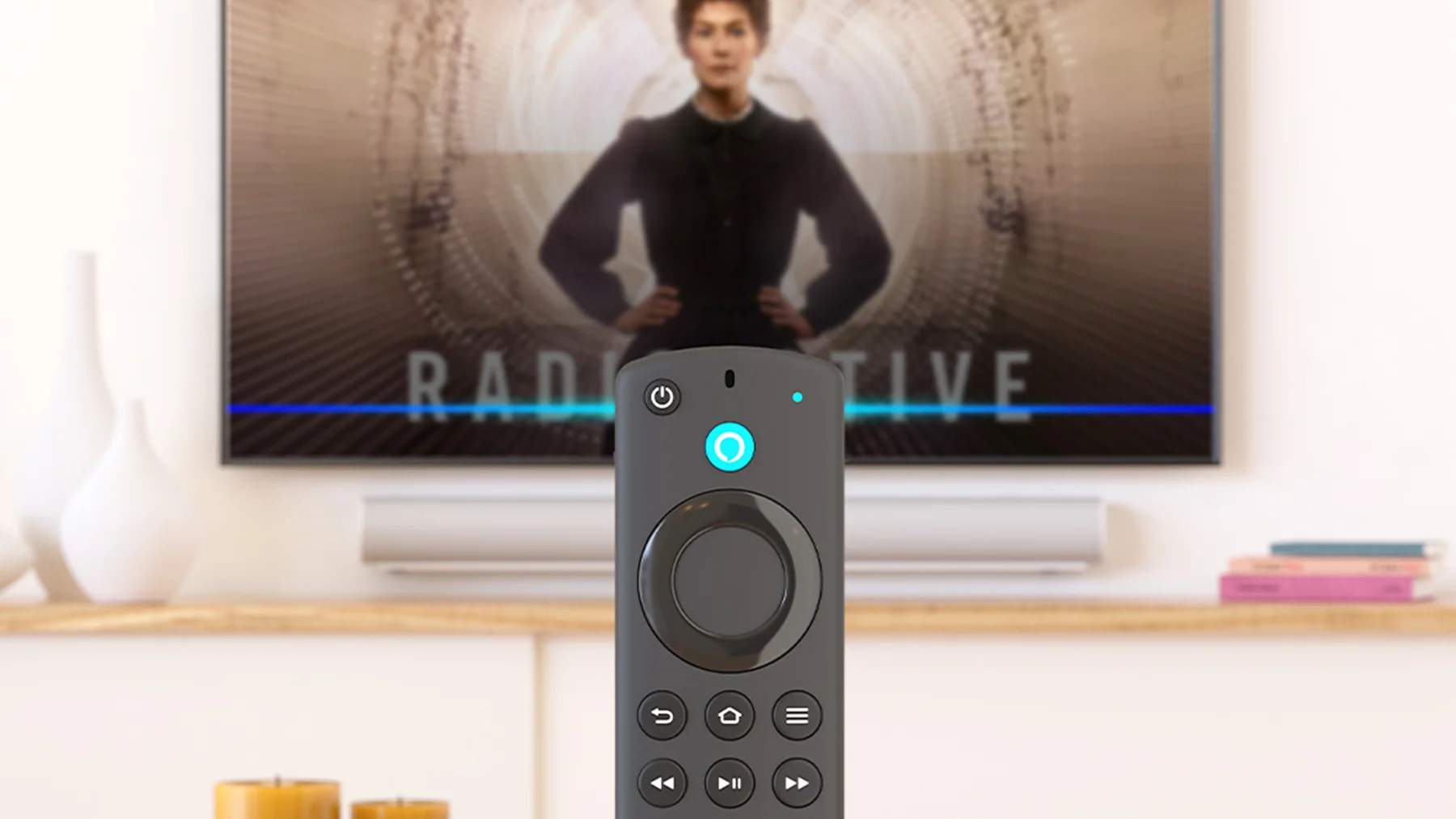
Choose the app that matches the subscription, then choose the screen. If you bought the Paramount+ Channel inside Prime Video, open Prime Video on the television and sign in to the purchasing Amazon account. If you bought Paramount+ directly, open Paramount+ and use that account instead. The same Fire TV can offer both apps, so the Amazon branding on the remote does not tell you which one holds your UFC entitlement.
Amazon lists Fire TV, selected smart televisions, compatible streaming players, web browsers, iPhones, iPads and Android devices among its supported live-event viewing options. Check your specific model rather than relying on the television brand alone. An app that plays an on-demand movie on an older television does not necessarily establish that every live feature works on that model.
For the first setup, update the chosen app and television software, open a video using the existing subscription, and check that sound reaches the speakers you intend to use. Then locate the upcoming UFC event on that same device. Testing a film verifies part of the setup; finding the event verifies that you can navigate to the card. Leave time for an on-screen sign-in code or a forgotten password before the opening bout.
On a phone, install the official Prime Video app if you intend to use your Channel subscription there. Sign in before leaving home and find the correct event while you still have a stable connection. An iPhone’s Apple account and an Android phone’s Google account do not automatically replace the Amazon login. Avoid accepting an in-app purchase simply because the phone presents a different sign-up screen from your television.
Keep a second compatible device ready for a long fight card, but test it using the same entitled account. That gives you a useful comparison if one app stops working: if the phone plays the card and the television does not, the subscription is less likely to be the immediate problem. It is an option to diagnose a failure, not a promise of unlimited simultaneous streams or identical picture quality. Use the live controls and quality options available on each device, and check the service’s current usage limits before planning several screens for a gathering.
Fix a missing fight without buying twice
A missing event and a video that freezes require different checks. Before changing subscriptions, identify which problem you have: no correct event listing, a purchase request on the correct listing, an error after pressing play, or a stream that starts and then stops. That short description helps you choose a useful next step instead of repeating the entire sign-up process during the card.
The Channel is active but UFC is missing
First confirm that the app is using the Amazon account that purchased the Channel. Look at its subscription status in a browser and compare it with the signed-in television or phone account. A receipt on another family member’s account is not evidence that this device is using the same subscription. Then reopen the Paramount+ Channel area and search the exact event number or headliners.
Next compare country, date and card segment. A weigh-in might be live a day before the fights; a prelim stream can finish before the Main Card begins; a past UFC series can remain searchable after its live window ends. If you are traveling, check the local rights holder instead of assuming that the home-country catalog travels unchanged. Amazon’s external-provider guidance also distinguishes an outside subscription from an add-on purchased in Prime Video.
If the Channel is active and the correct event still requests payment, stop before confirming another purchase. Contact Amazon through its official account help with the event title, country, device and subscription details. If you have already completed eligible Paramount+ partner verification, test that existing access in Paramount’s app. Describe that as an alternative way to use the same entitlement, rather than a reason to open a second paid account.
The fight appears but playback freezes
Close and reopen the app, check available updates, and try a second compatible device on the same connection. Amazon’s playback troubleshooting guidance also recommends checking device date and time, restarting the device and disabling interfering VPN or proxy services. Change one thing at a time so you can tell what improves playback.
If every device struggles, reduce other heavy network use and check your connection. If the phone plays normally while the television fails, focus on that television’s app, software and network path. A service-side interruption can still affect multiple screens, so repeated purchases are a poor diagnostic tool. Save the exact error message and whether another title plays, then give support those details without sharing a password. Our UFC streaming troubleshooting guide covers the wider account and device cases; keep the Amazon billing route clear when applying it.
Manage renewal and plan your next fight night
Manage an Amazon Channel purchase through Amazon’s subscription controls. Open Manage Your Subscriptions, find the Paramount+ add-on, and follow the cancellation option shown for that subscription. Read the confirmation carefully and save the end date. Removing Prime Video from the television, deleting a Paramount+ app, or signing out of a phone does not serve as a cancellation request to the billing company.
If the receipt says the subscription was purchased inside the Paramount+ app using Amazon’s Appstore billing, its management route can differ from Prime Video Channels. Start with the receipt and the relevant subscription listing rather than assuming every Amazon charge appears in the Channel controls. Paramount’s Fire-device instructions identify separate Appstore subscription management for those purchases. This distinction is particularly useful when an account appears to have no Channel despite a recurring Amazon-related charge.
Do not infer the remaining viewing period from the moment you press cancel. The confirmation tells you whether access continues to a specified date or ends sooner under the option you selected. Refund terms can change that result, so check the screen before accepting an immediate cancellation or refund. Keep that date alongside the upcoming UFC schedule if you intend to watch another card before access expires.
For example, suppose your paid period ends between a Friday weigh-in and Saturday’s fights. Seeing the weigh-in does not demonstrate that your subscription will still be active for the Main Card. Equally, a subscription that covers the live event may expire before the evening you planned to watch its replay. Compare the actual event date, your local coverage time and the subscription end date together. That small planning step is more useful than choosing a monthly plan solely because you recognize the headliner on its promotional tile.
Before the next card, check four things: the same purchasing account is signed in, the subscription remains active, the correct event and language are saved, and the main screen plays with working audio. Add the appropriate start to your UFC calendar, allowing time before the earliest bout you want. Once those decisions are settled, the viewing task is straightforward: open the entitled app, choose the live card, and let the fighters determine how long the night lasts.
Fight talk
Comments